Your customers. Your brand. Your app.
A fully branded portal and production app, your logo, your colors, your domain. Customers check their system in your experience, not somebody else's. No third-party app should sit between you and a 25-year relationship.
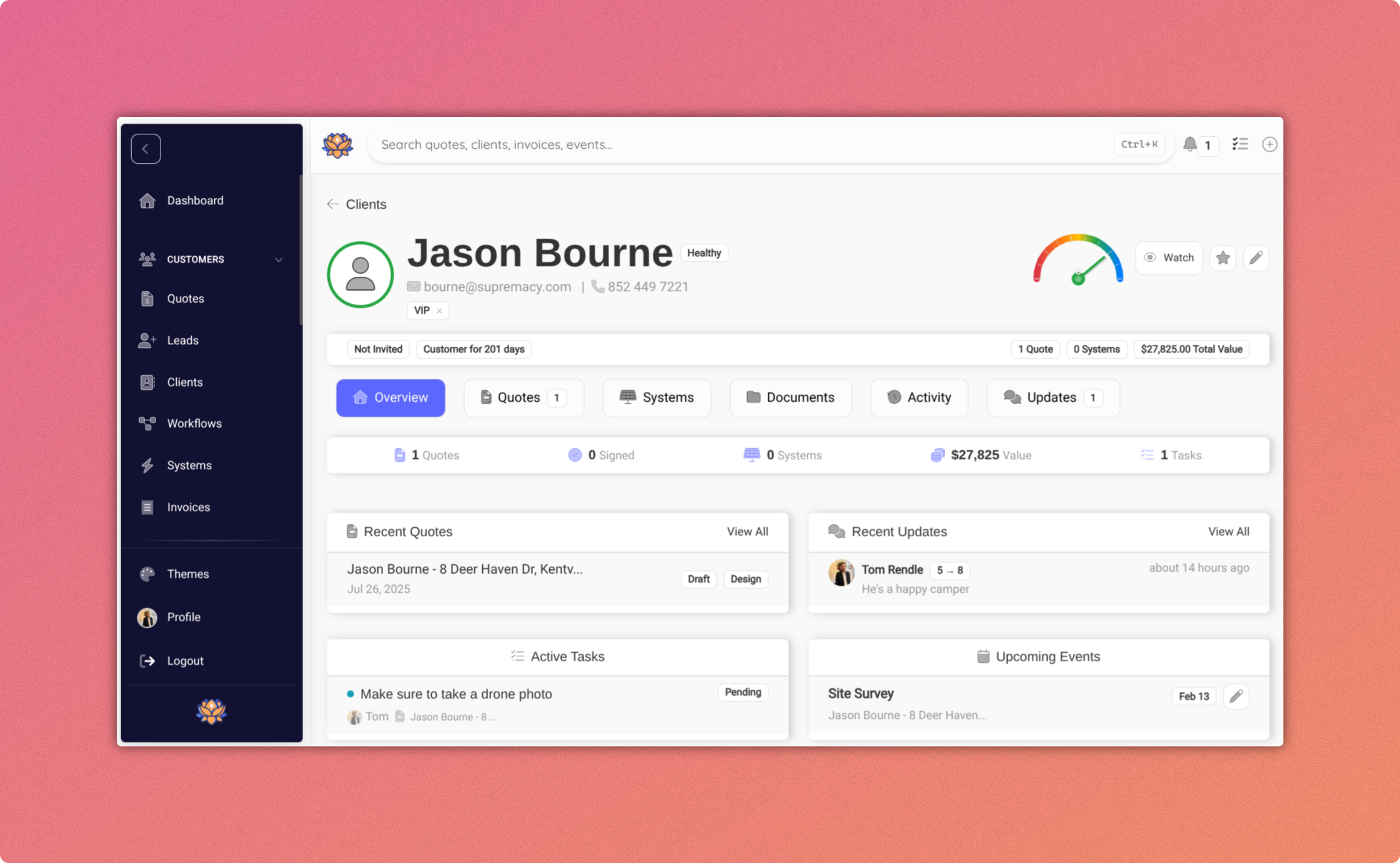
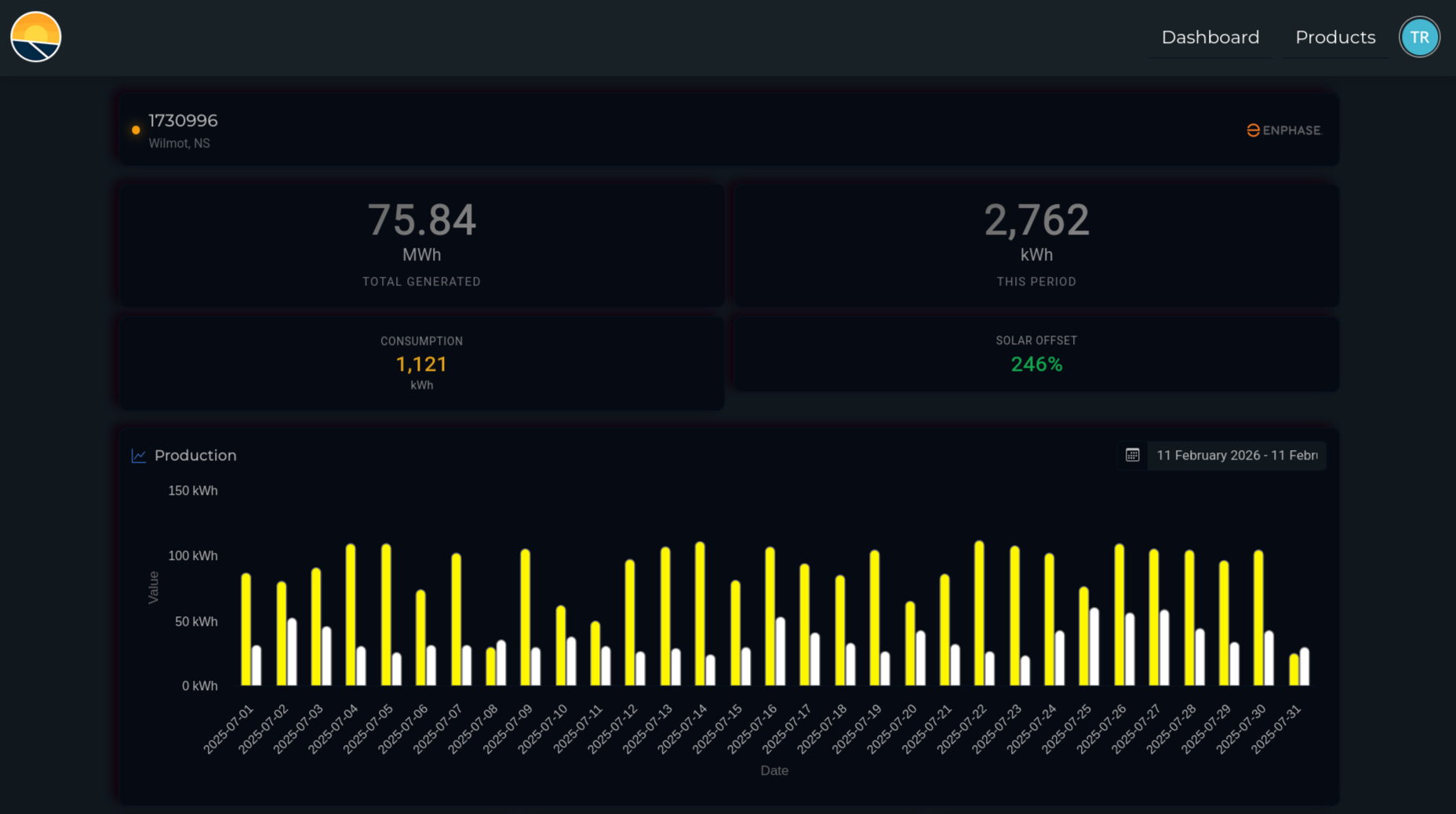
A production app under your brand.
Customers see their production, consumption, and savings in YOUR app, not Enphase's, not SolarEdge's, not somebody else's monitoring tool. Real-time inverter data, lifetime energy, dollars or kWh saved, CO₂ offset. Your logo. Your colors. Your voice.
- Real-time production via the Enphase, SolarEdge, and APsystems APIs
- Displayed in kWh generated or dollars saved, customer's choice
- Lifetime energy and CO₂ offset tracking
- Your logo, your colors, your domain, your voice, never ours
- Accessible on web and mobile, bookmark it to the home screen
- No third-party account required, customers never leave your experience
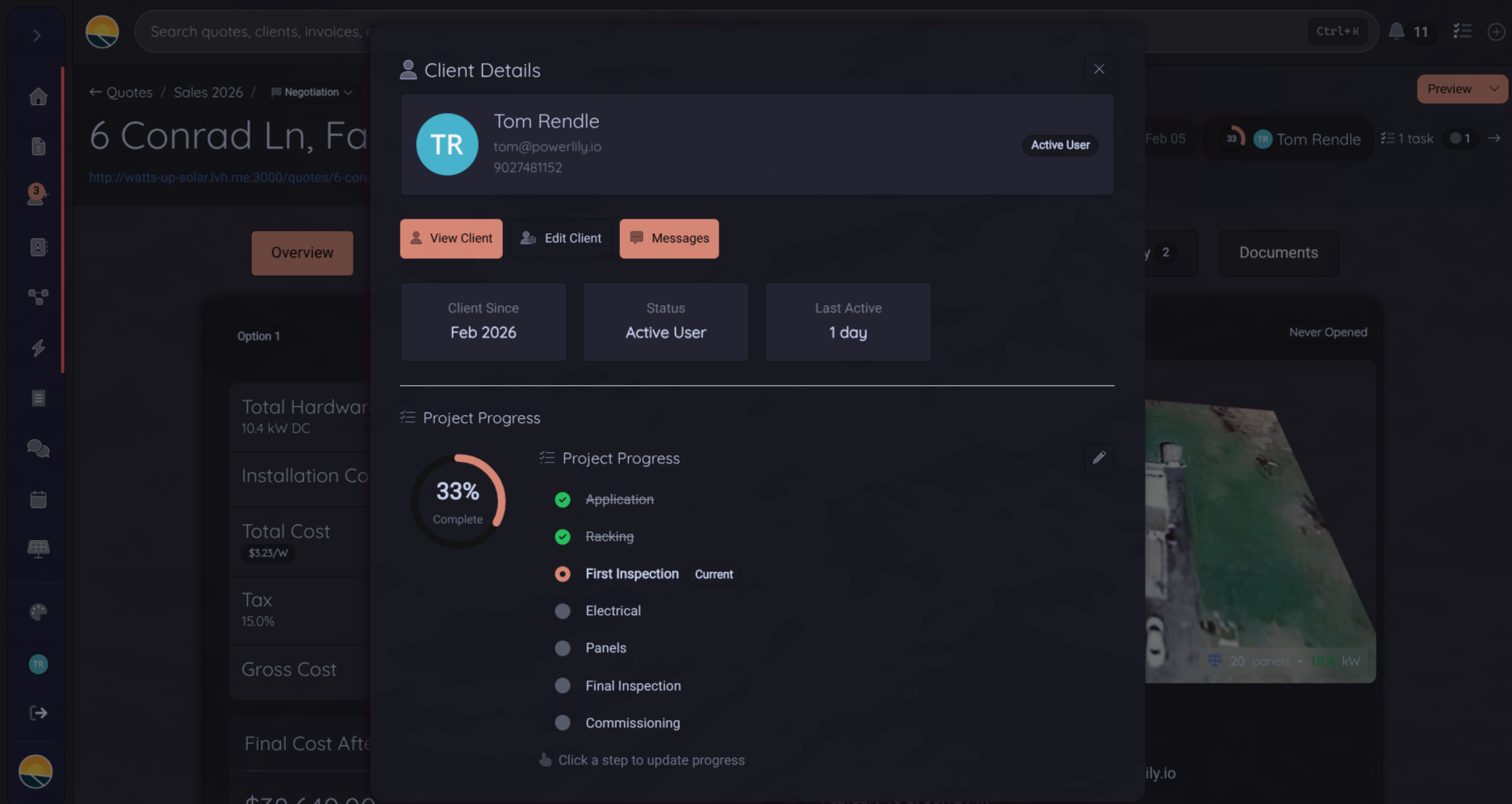
From sale to install, customers see every step.
Real-time project status and milestone notifications. Fewer phone calls asking 'what's next?'. Photos and documents shared directly to the portal.
- Live project timeline with stage-by-stage status
- Milestone notifications via email
- Photo uploads from your team, visible to the customer
- Document access, contracts, permits, warranties, spec sheets
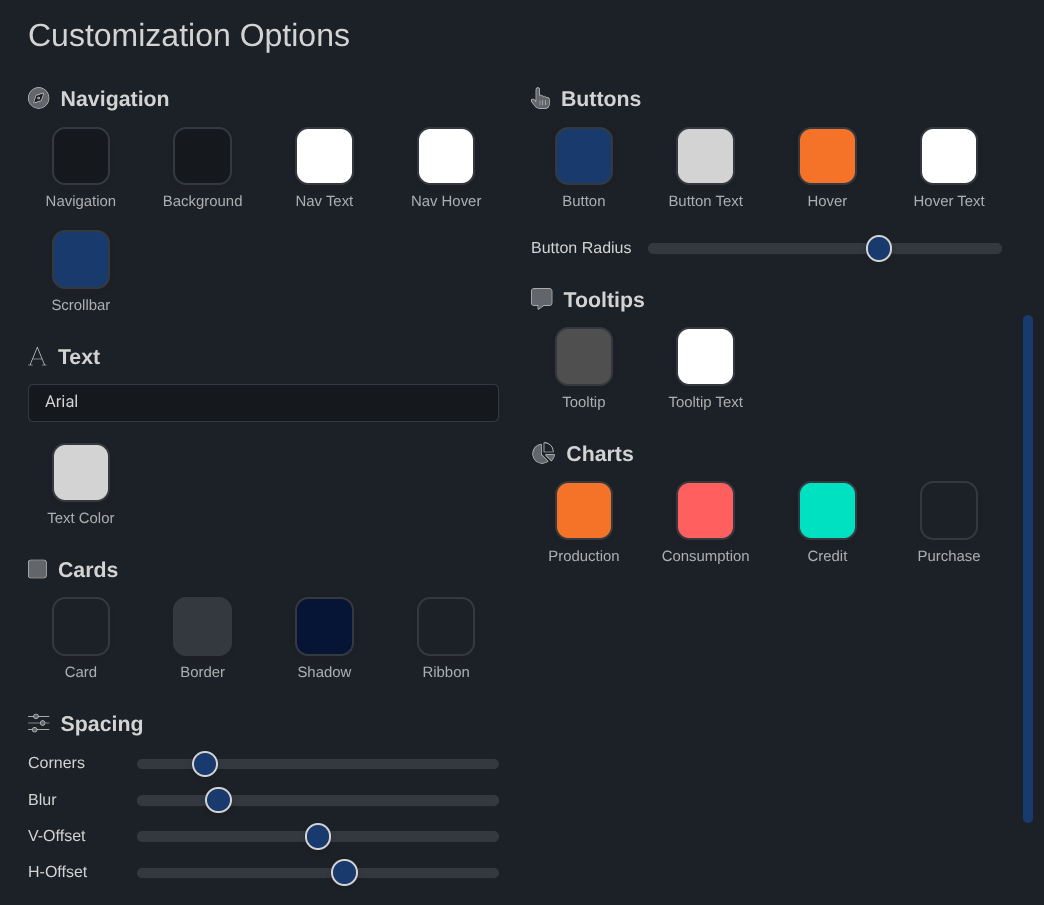
Your logo. Your colors. Your voice.
Every pixel is your brand. Custom domain, custom colors, custom typography, branded email notifications. Customers never see the word Powerlily, and that's the point.
- Custom subdomain (my.yourcompany.com)
- Full color and typography control
- Branded email notifications
- Custom logo, favicon, and social share images
- Custom privacy policy and terms links
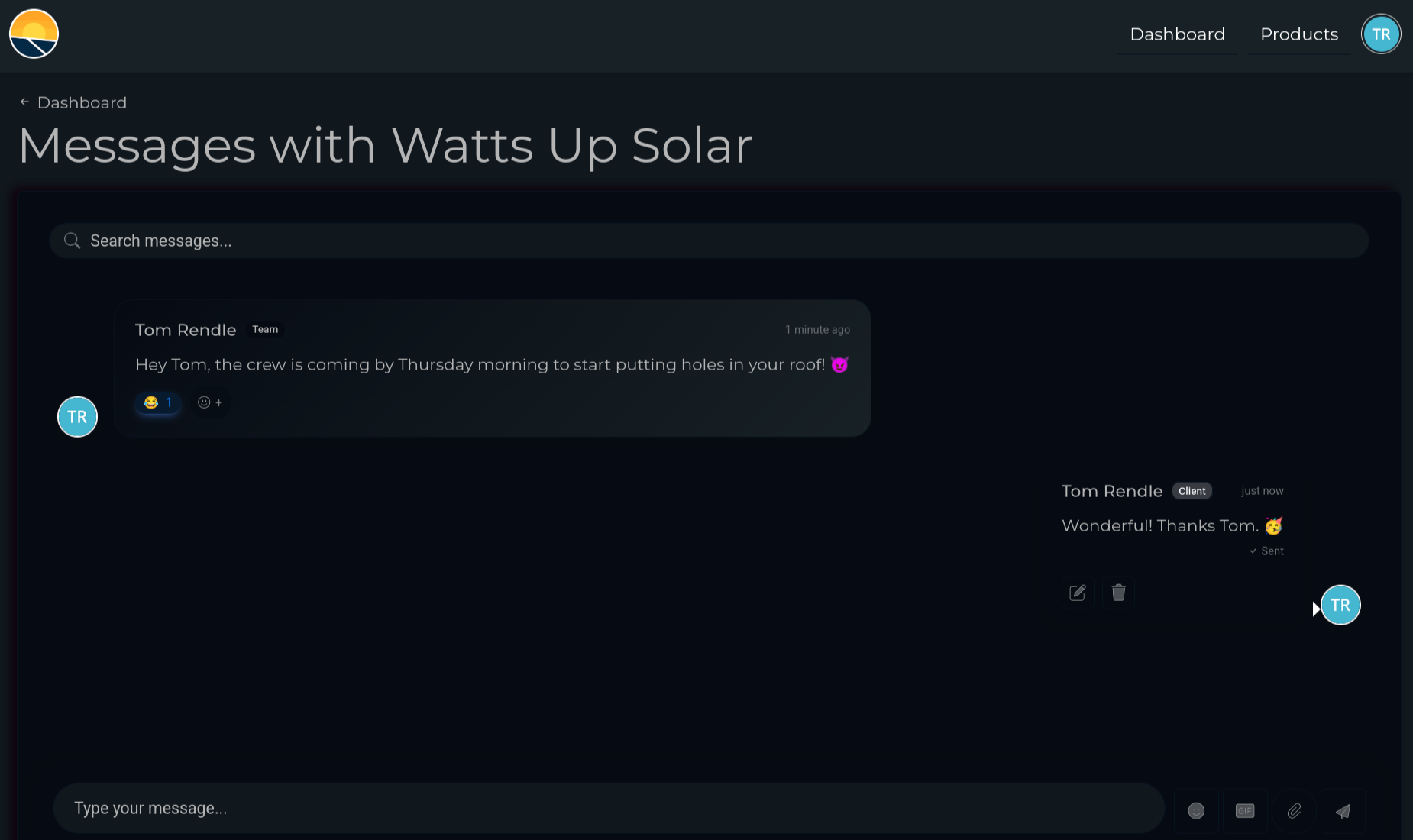
Two-way conversations, one inbox.
Customers message your team directly from the portal. Your team replies from the same CRM they use every day. All history tracked in one place.
- In-portal messaging, no third-party chat widget
- Email notifications to both sides
- File attachments inline
- Full history kept with the customer record in your CRM
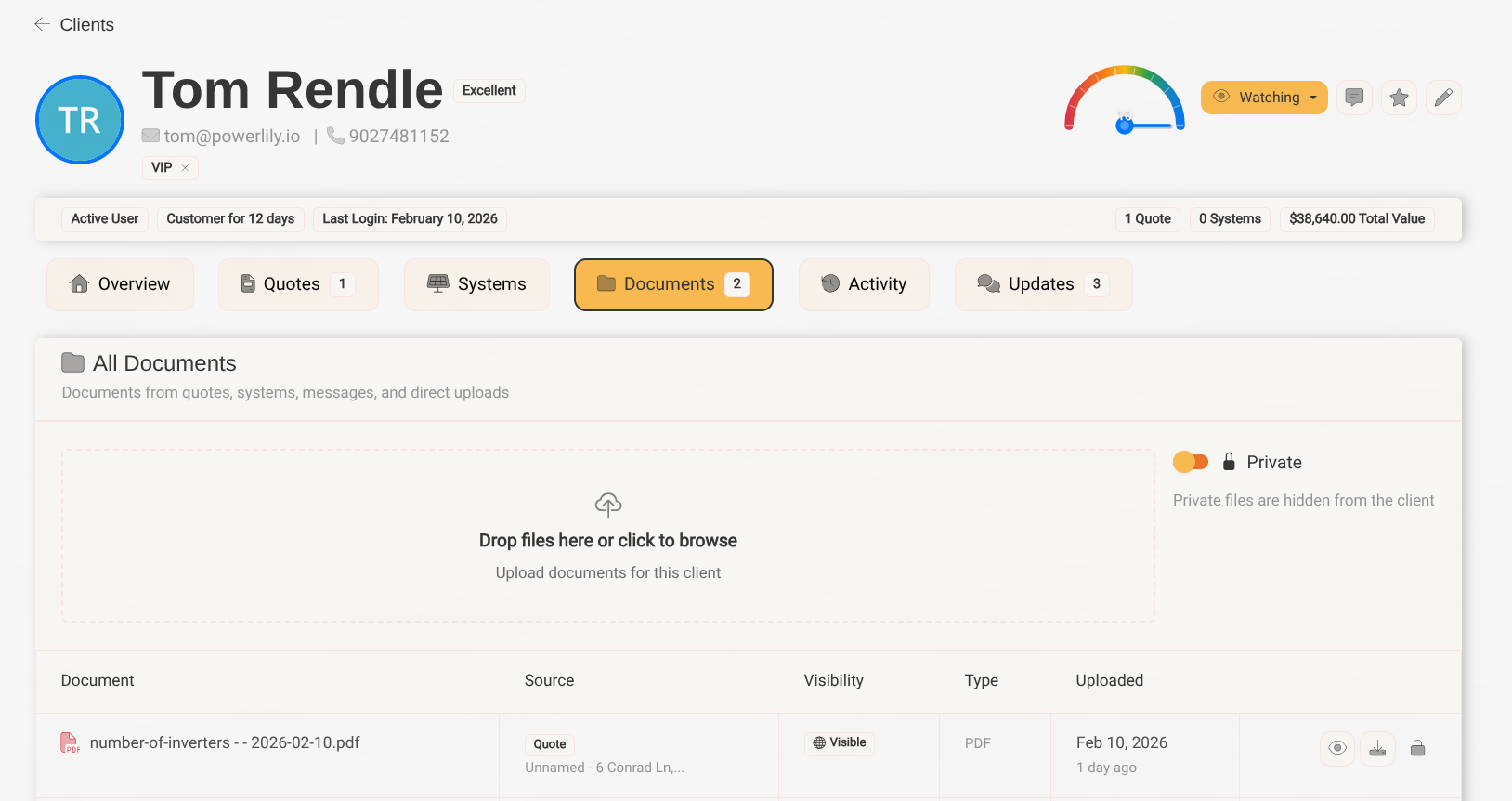
Every portal is a referral channel.
Every customer's portal includes a personal referral link. Shares come back as leads tagged with the originator. No extra tool, no extra vendor, it's already there.
- Personal referral link per customer, inside their portal
- Automatic lead attribution when a share converts
- Optional referral rewards with tracked payouts
- Lead-form embeds for your website
The customer is yours. For 25 years.
A solar install is a 25-year relationship. Don't hand it off to a monitoring vendor.
white-labeled, your brand, never ours
typical customer lifetime
third-party app branding
of inverter APIs supported