Every inverter. One dashboard. Unbeatable value.
Real Enphase, SolarEdge, and APsystems APIs with your own keys. Fleet-wide alerts, branded portals, referral links, included in your subscription. No per-system fees.



Why pay per system?
Some monitoring vendors charge a setup fee per install plus a recurring per-system monthly fee. We don't.
| Feature | Powerlily | Other monitoring vendors |
|---|---|---|
| Setup fee per system | $0 | Per install |
| Monthly fee per system | $0 | Recurring |
| Bring your own inverter API keys | Aggregator-based | |
| Branded customer portals | ||
| Referral links per customer | ||
| Included in your subscription |
Based on publicly available pricing across common fleet monitoring vendors.
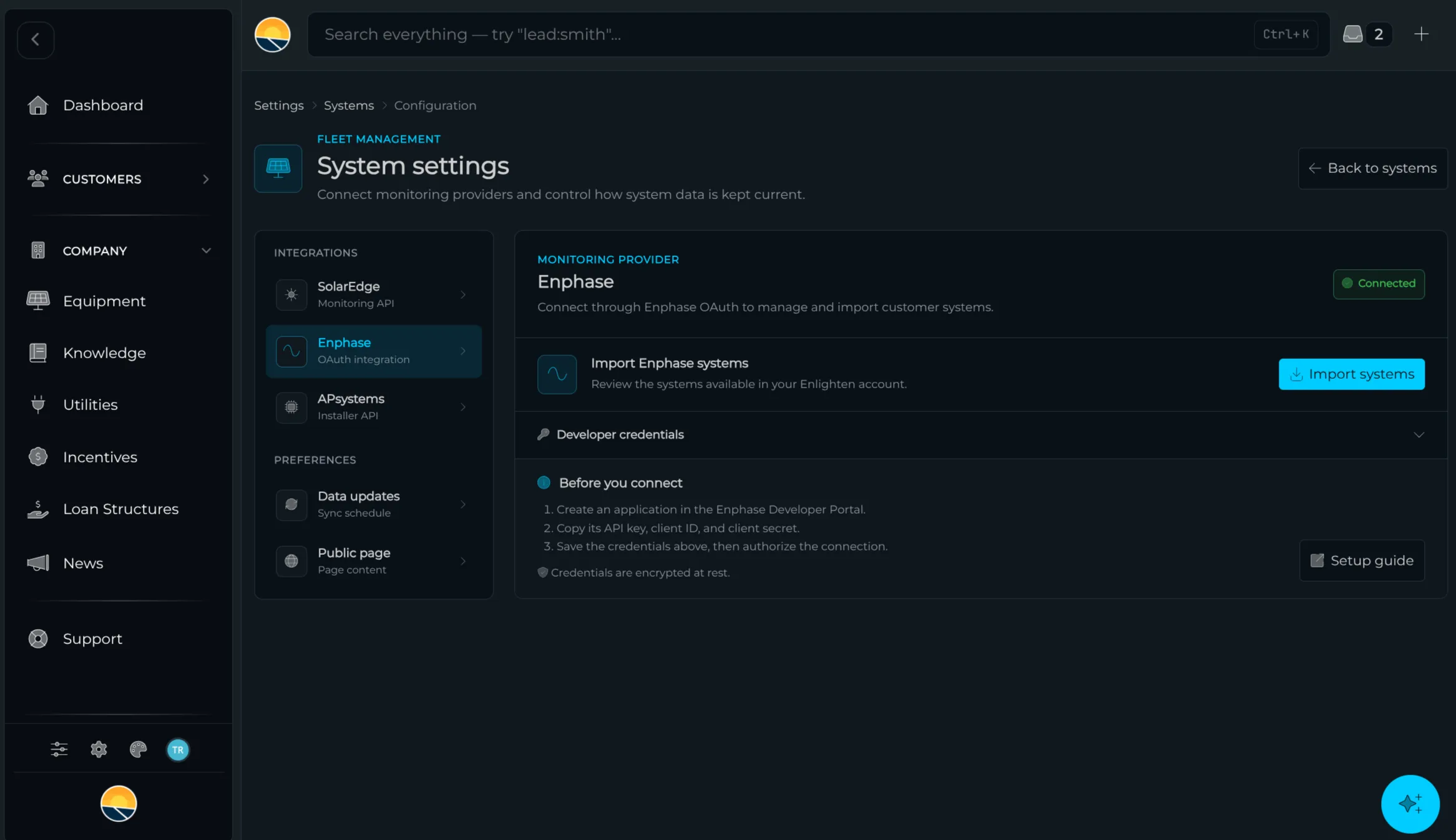
Bring your own API keys.
Use your existing Enphase Enlighten, SolarEdge Monitoring, or APsystems EMA accounts. Your data, your relationship, we just unify the view. No data scraping, no markups on top of inverter pricing you already pay for.
- Native Enphase Enlighten integration
- Native SolarEdge Monitoring API
- Native APsystems EMA integration
- No scraping, no terms-of-service risk
- No markup pricing on top of inverter APIs
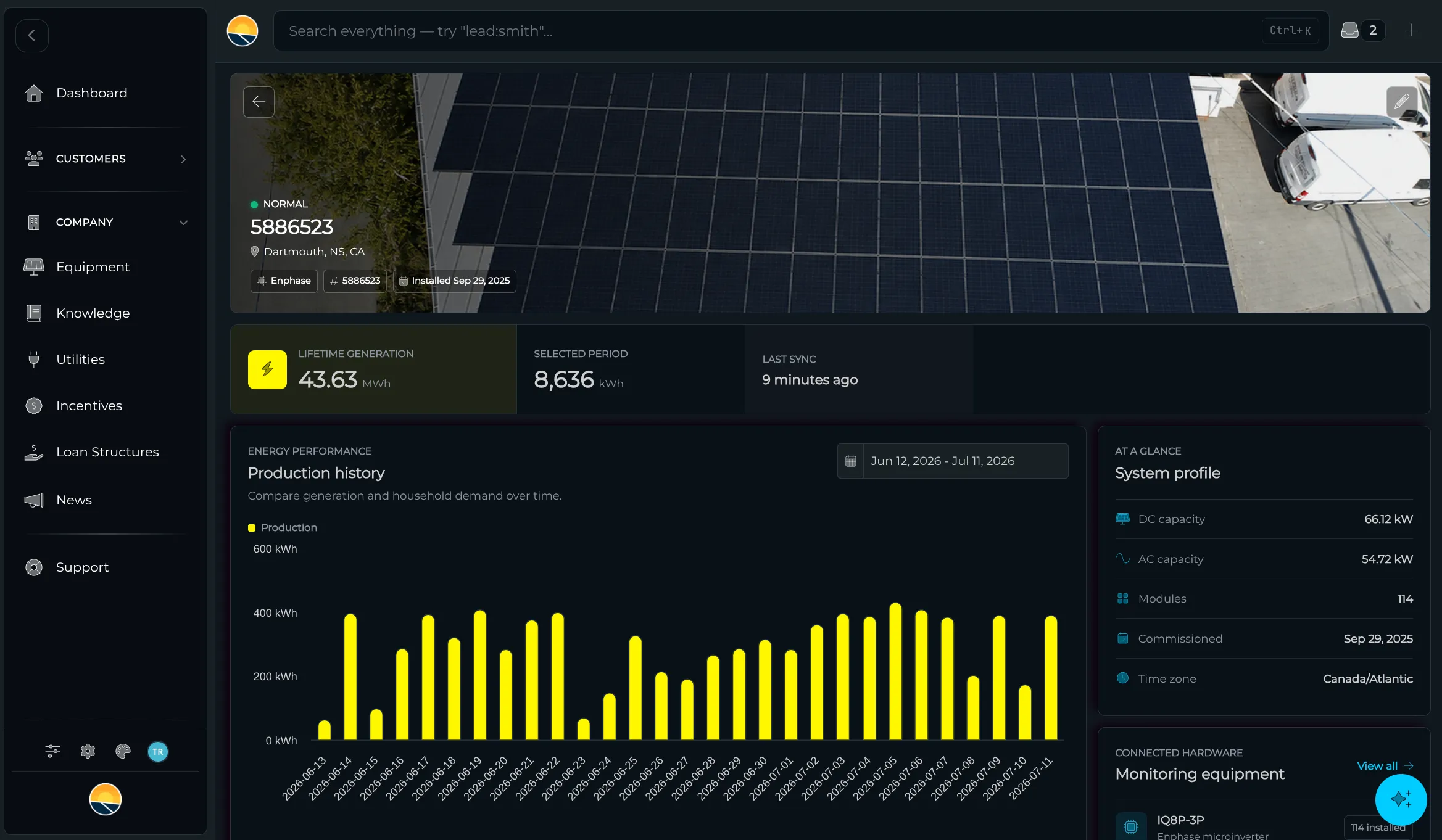
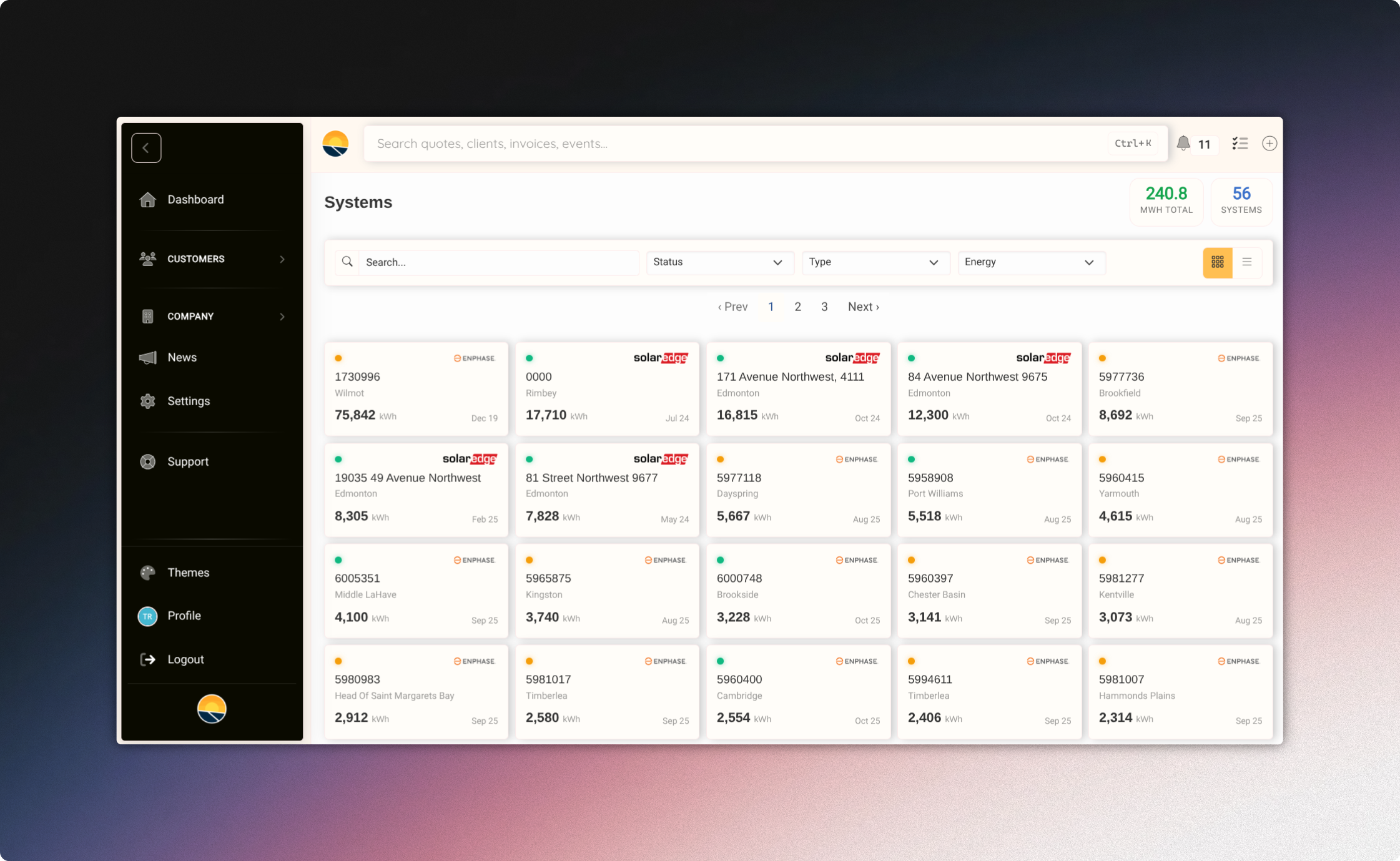
Enphase. SolarEdge. APsystems. One screen.
Connect your inverter APIs once, see every system in one place. No more logging into three different portals to chase one underperforming string.
- Per-system kWh, lifetime energy, status at a glance
- Search and filter your fleet by brand, region, or status
- Map view for geographically distributed fleets
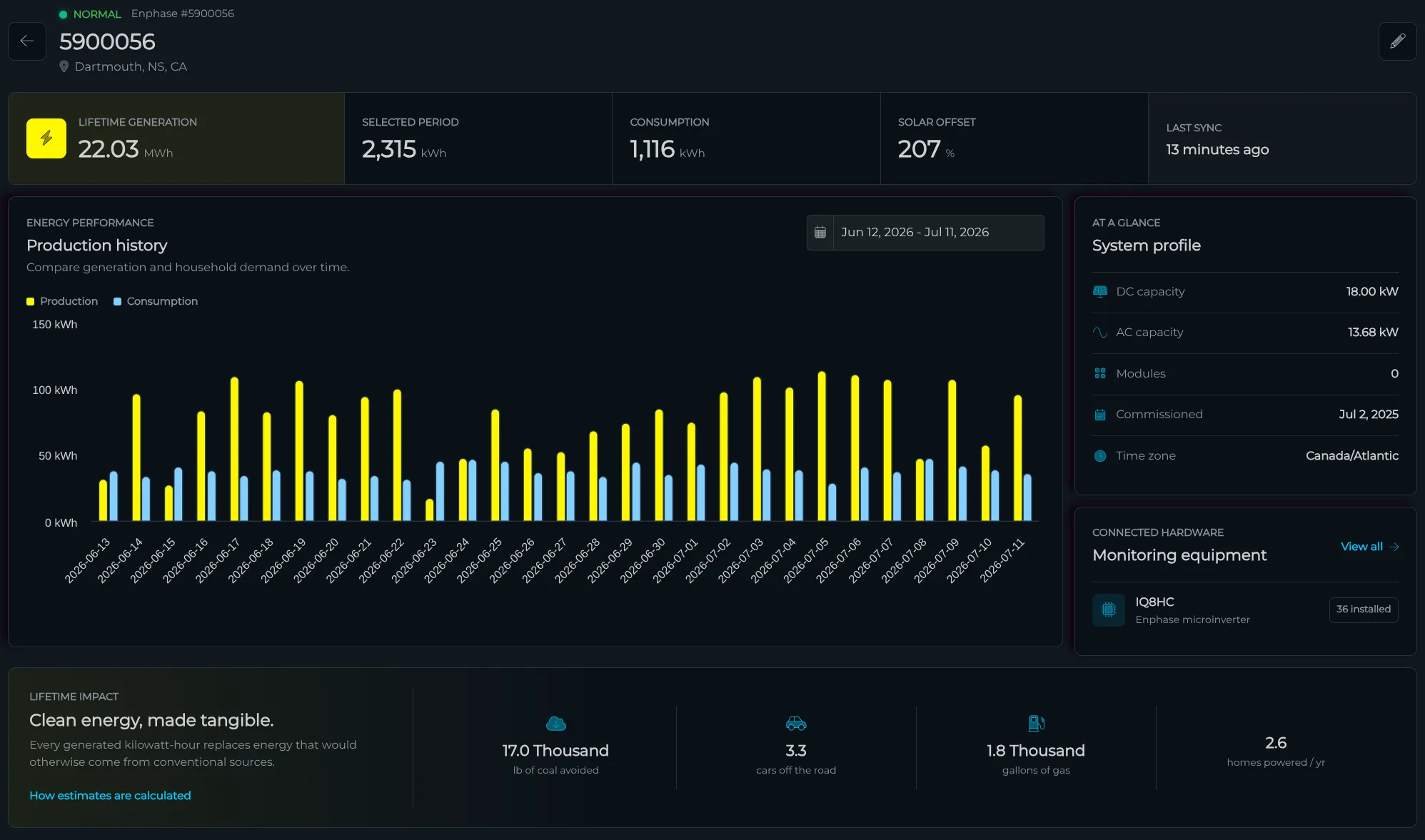
Branded pages for every customer.
Each customer gets their own portal to view production, access documents, message your team, and stay connected. Your logo, your colors, your domain, never ours.
- Real-time production data (in dollars saved or kWh)
- Your branding, your domain, your voice
- Document & report access
- Two-way messaging with your team
Catch underperformance before customers call.
Per-system kWh thresholds, multi-day silent alarms, automated troubleshooting hints, and branded monthly reports, all configured once, run forever.
- Per-system production thresholds
- Multi-day silent alarms (zero production = alert)
- Automated troubleshooting hints in the alert
- Branded monthly performance reports
- Fleet-wide map view for at-a-glance triage
of inverter APIs natively integrated
per-system setup fees
your own API keys
per-system monthly fees
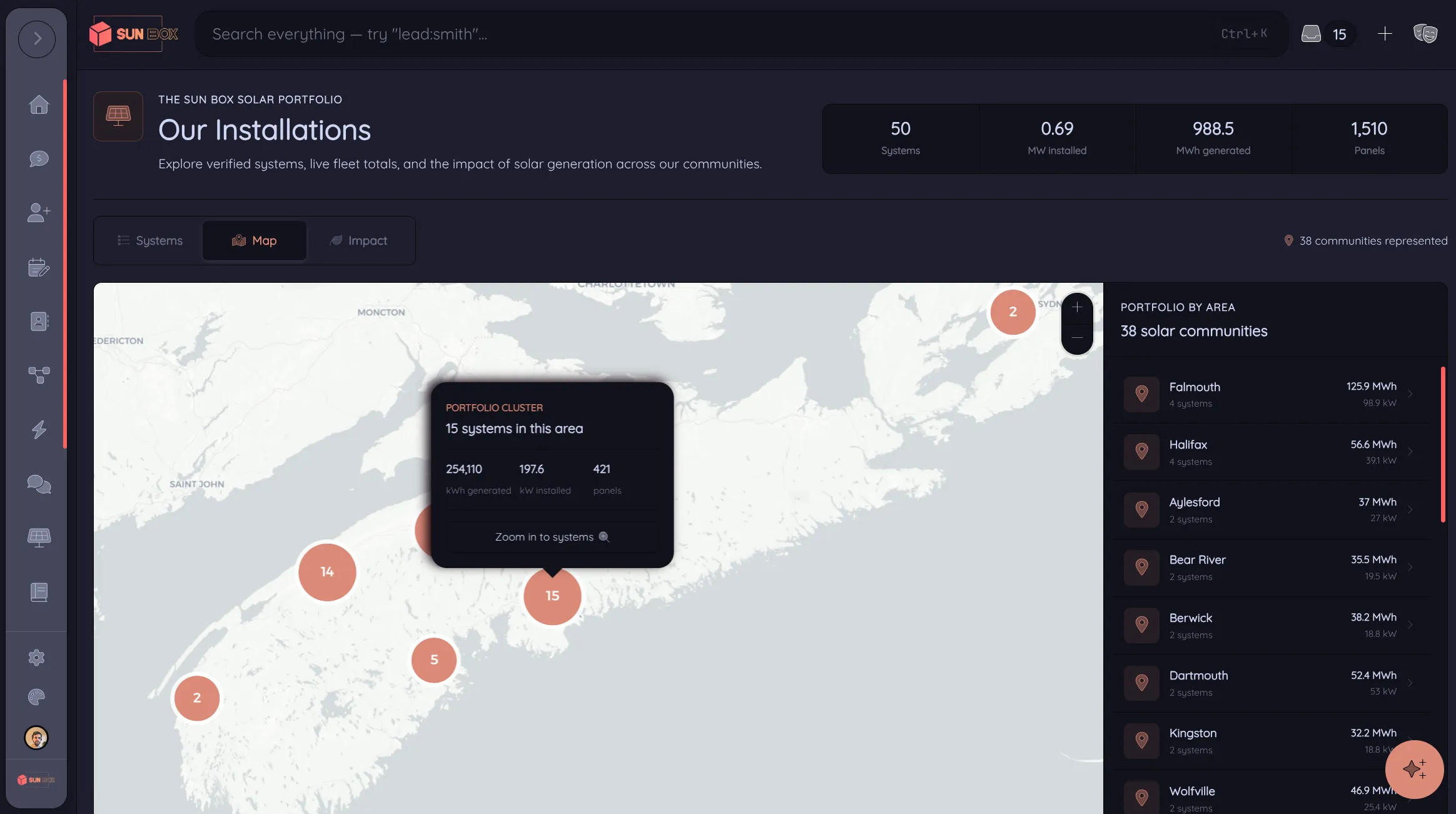
A live map of your install base. your best marketing.
Customers opt their systems in. You publish a public page showing every install, sortable by newest, energy generated, or system size. Real production data, real environmental impact, all under your brand.
- Per-system opt-in, your customers control privacy
- Aggregated stats across your fleet: total kWh generated, total kW installed, panels installed
- Environmental impact tally: gallons of gas, cars off the road, coal avoided, homes powered
- Sortable leaderboard: newest, top energy producer, biggest system
- Per-system cards with photos, location, capacity, status, and live production
- Branded with your colors and your custom page title
- Toggle in your top nav with custom link text
- All powered by the same real inverter APIs, no extra setup
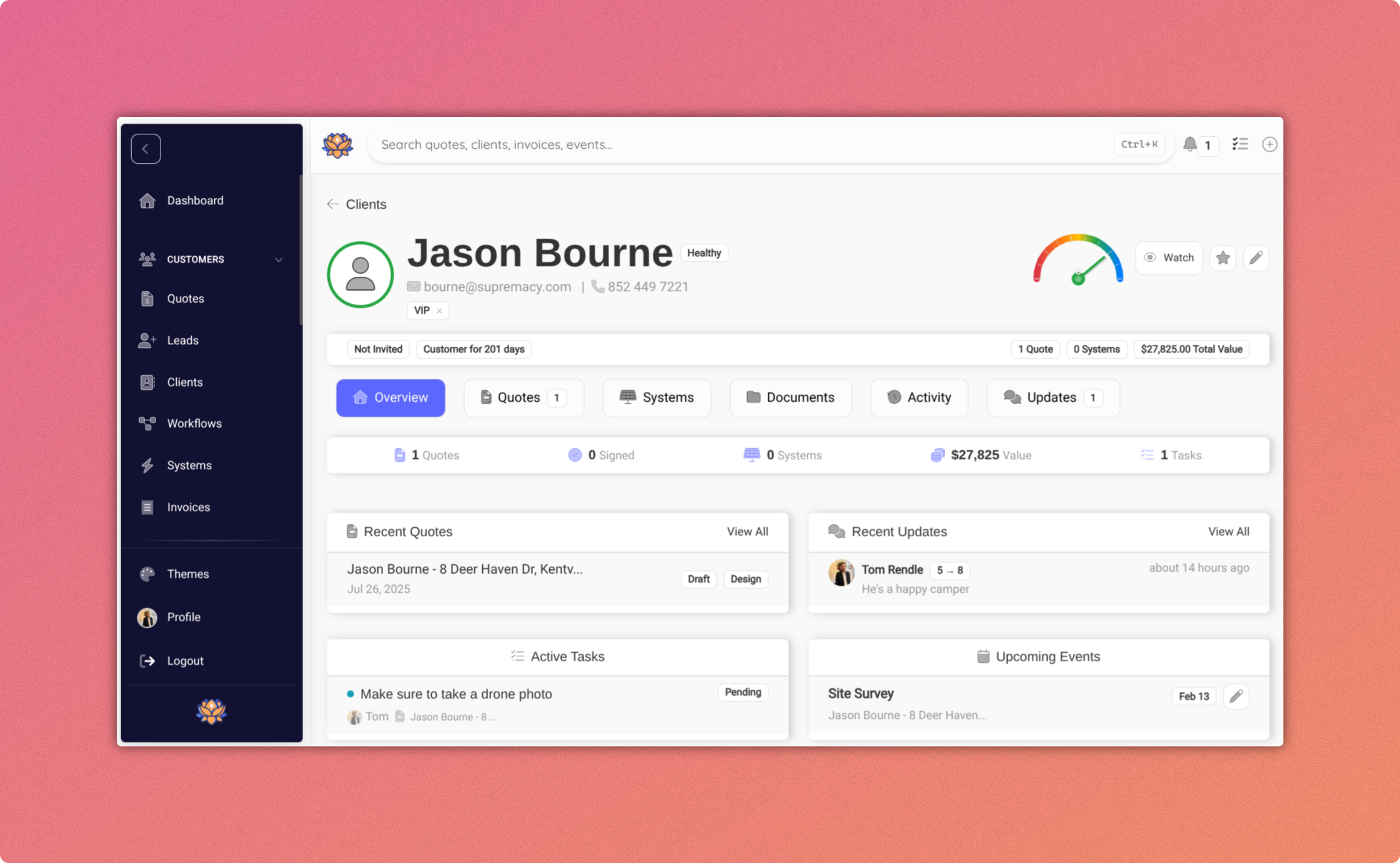
Every customer is a referral channel.
Each branded portal includes a personal referral link. Shares come back as leads with the originating customer pre-tagged. Optional rewards, automatic attribution.
- Per-customer referral links inside their portal
- Automatic lead attribution on submission
- Optional referral rewards
- Lead-form embeds for your website
Fleet + Portal + Referrals.
Monitor systems, delight customers, and generate new leads, all connected, all included.