Your best leads are already your customers.
Every install is a 25-year relationship, and a channel. Per-customer referral links, battery upsells from real production data, review automation, and maintenance opportunities. All built in, all branded as you.
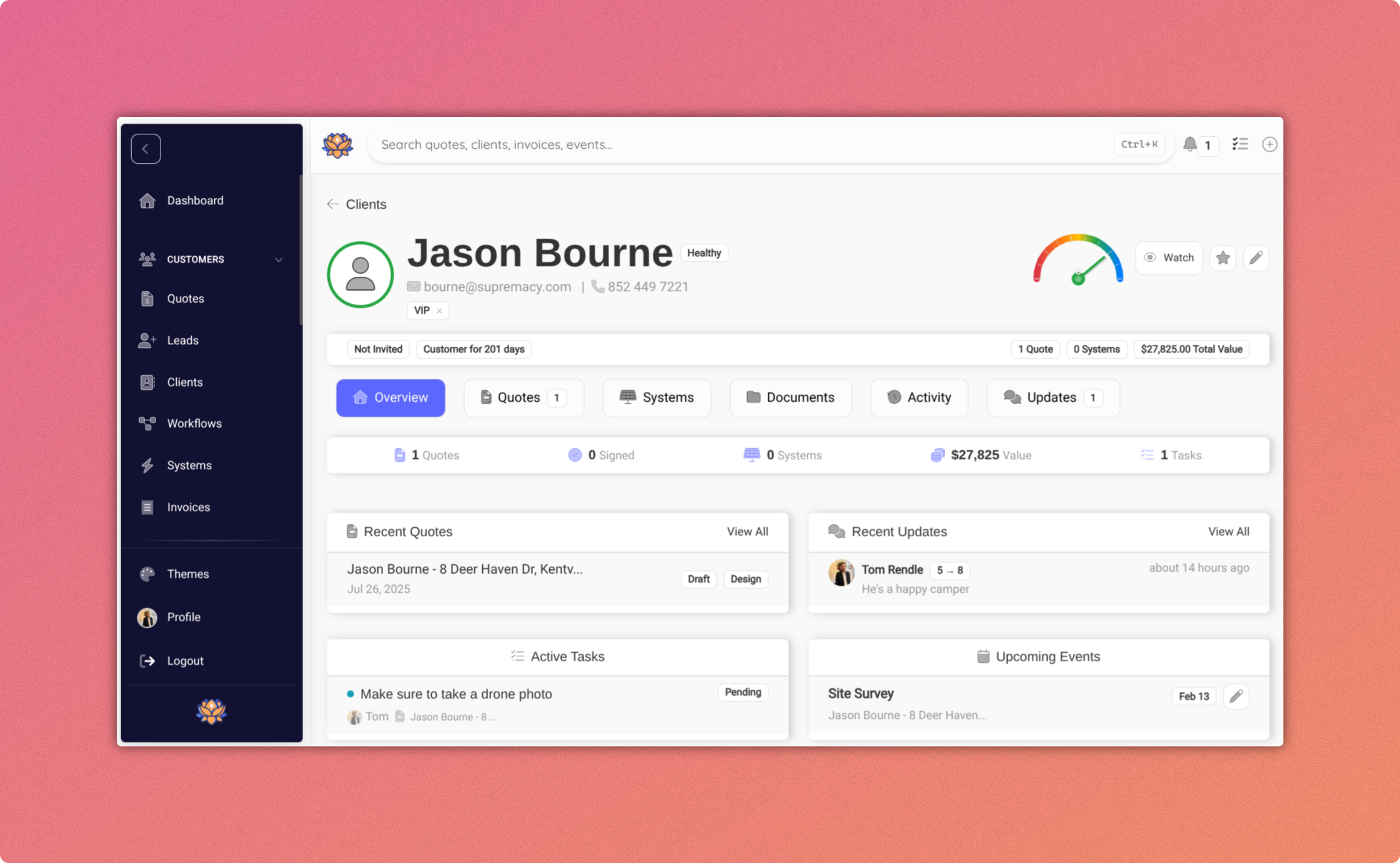
Every customer is more than one sale.
one customer, many referrals
of installs are battery candidates*
timely review asks at handover
of maintenance opportunities
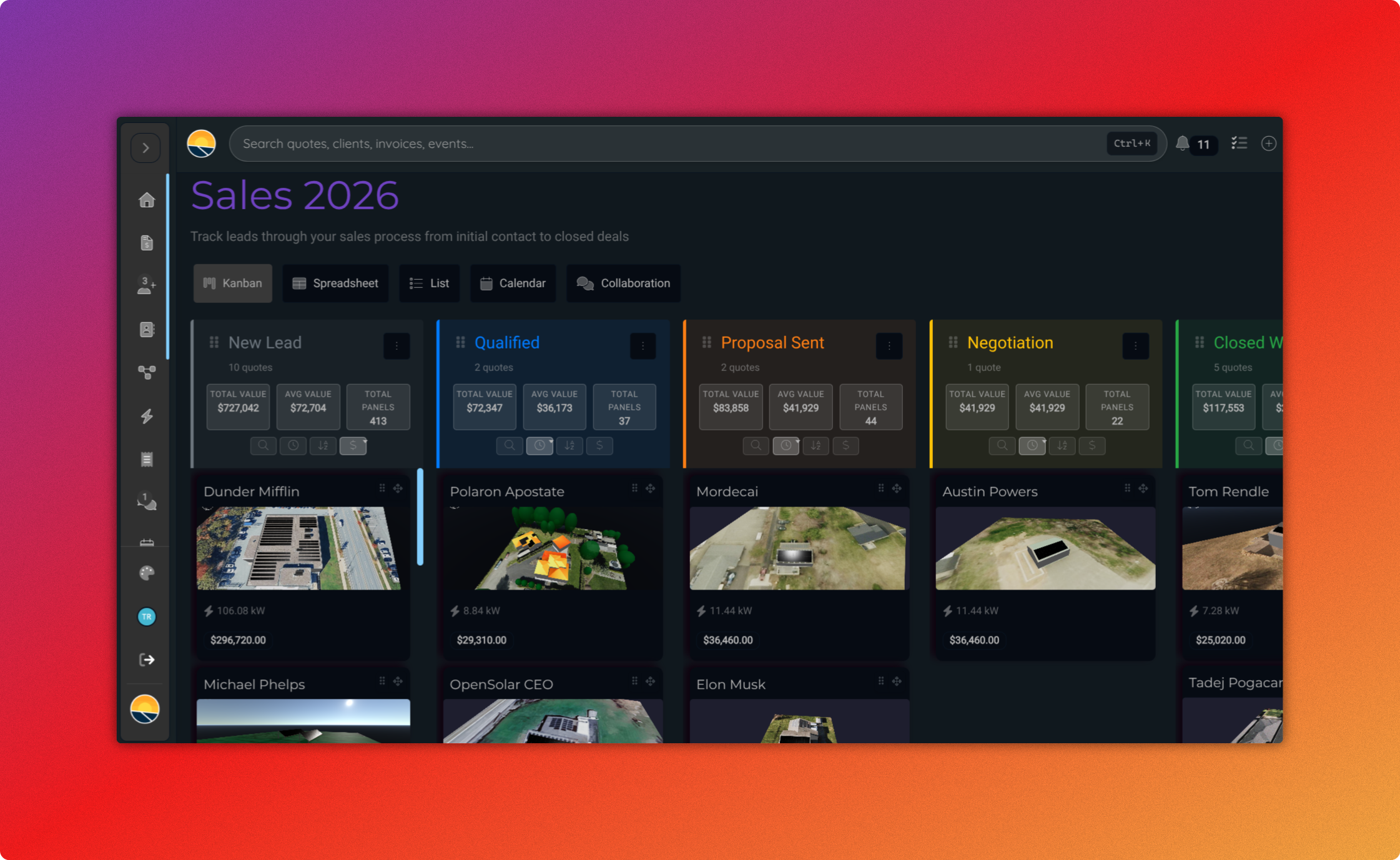
Every customer portal is a referral channel.
Every customer's branded portal includes a personal referral link. Shares come back as leads tagged with the originator automatically. No extra tool, no extra vendor. Your install base becomes your pipeline.
- Personal referral link per customer, inside their branded portal
- Automatic lead attribution on submission
- Optional referral rewards with tracked payouts
- Lead-form embeds for your website
- Leads land in your CRM, tagged and ready to work
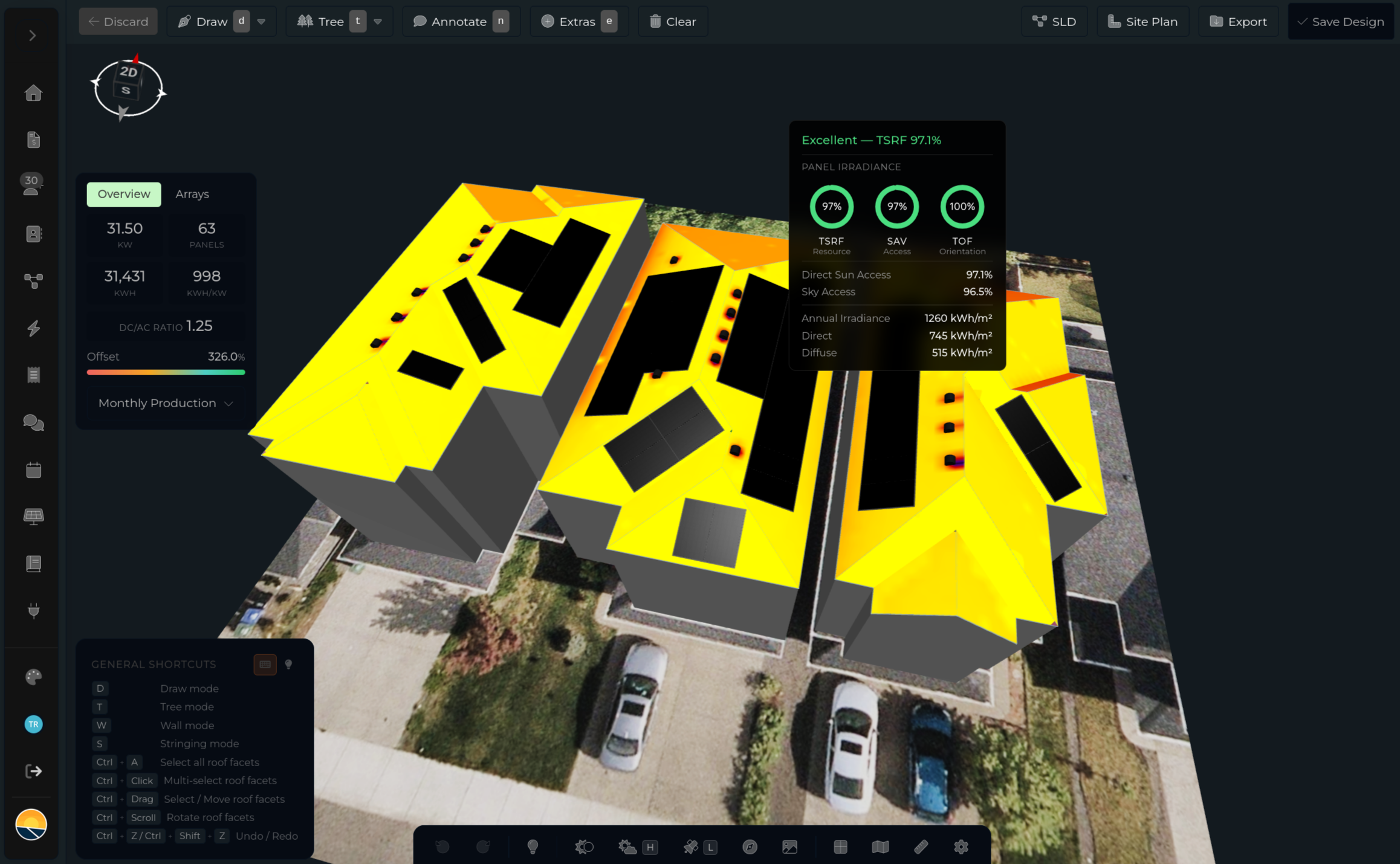
Battery candidates, flagged from real data.
Your fleet data knows who's exporting at low rates, who's losing money to NEM 3.0, and whose usage pattern makes a battery worth it. Surface those candidates automatically, send targeted offers, and generate a one-click proposal.
- Identify candidates from real production and consumption data
- NEM 3.0 / TOU-aware battery payback analysis
- Targeted email campaigns to eligible customers
- One-click proposal generation using the existing design
- Customer lands in your branded proposal, not a third-party site
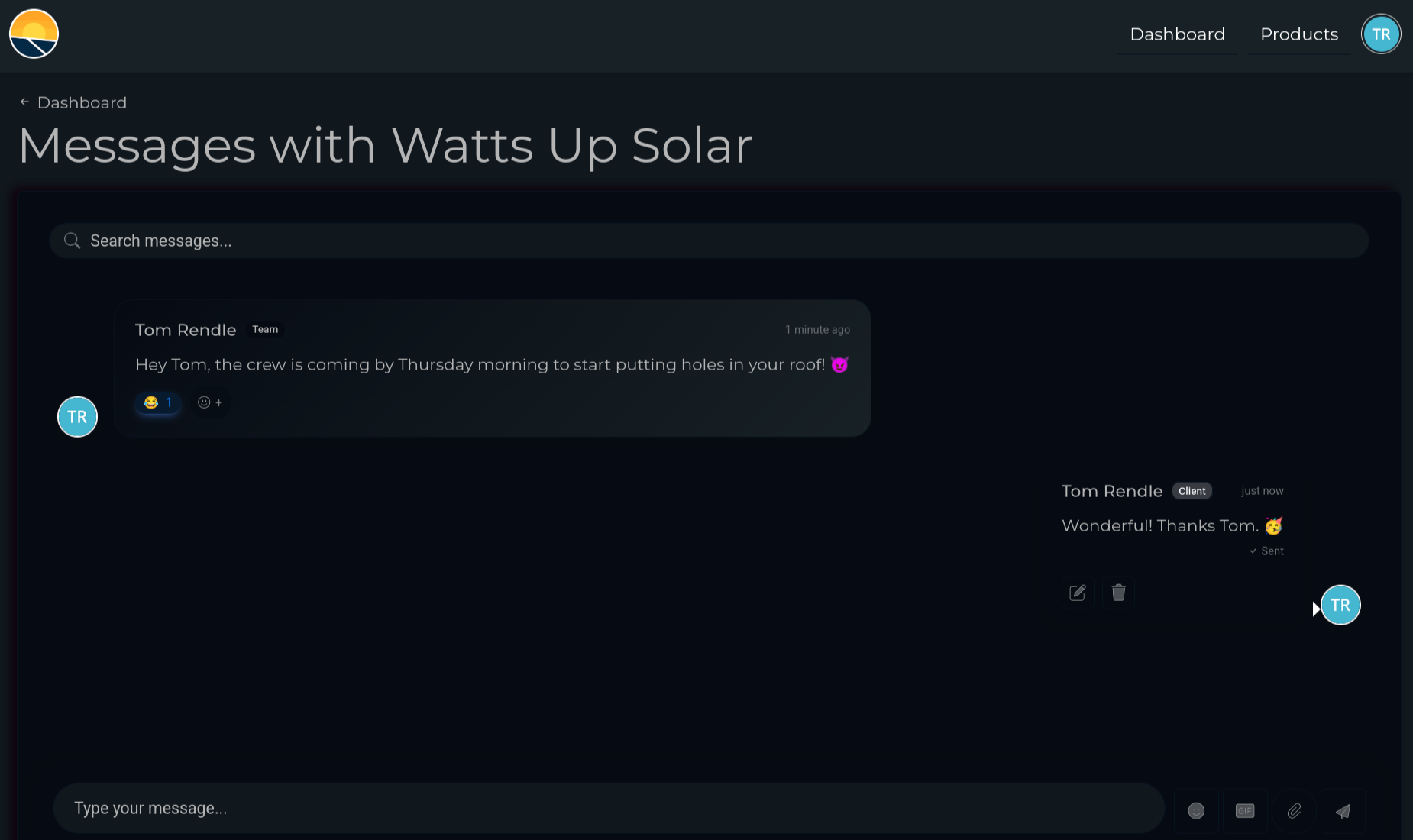
Ask for the review at the right moment.
Review requests fire at key milestones, activation, first month of production, first bill comparison. Automated, branded as you, and tied to the actual project timeline. Happy customers say so when they're freshest.
- Milestone-triggered review requests (install complete, first bill, etc.)
- Branded email, your logo, your voice, your reply-to
- Links directly to Google, Yelp, or your review platform
- Skip the ask if the customer had an open support ticket
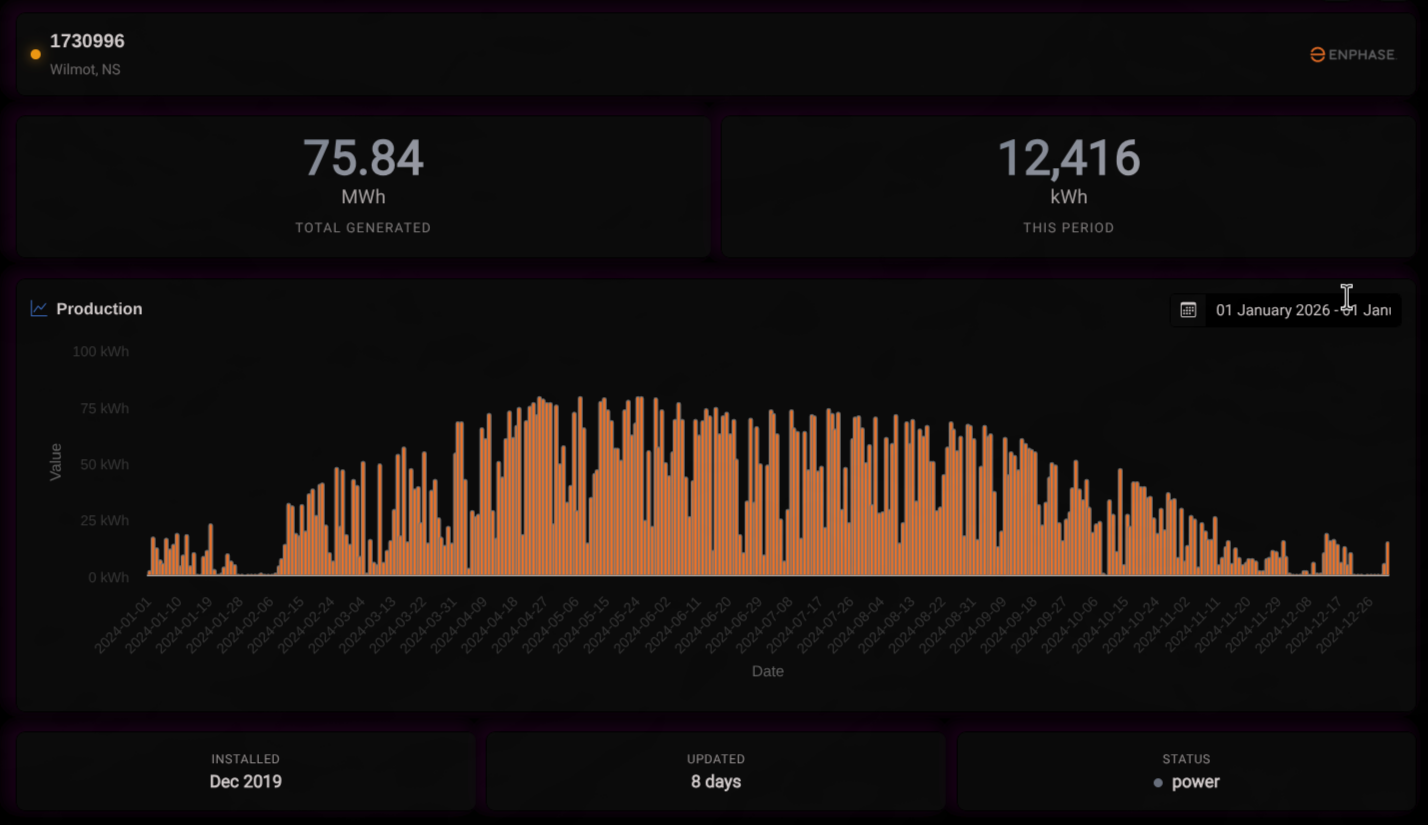
Underperformance = revenue, if you see it first.
Fleet-wide monitoring surfaces the systems losing production. Panel replacement, inverter upgrade, cleaning, or O&M contract, the opportunity is in your dashboard before the customer calls.
- Per-system production thresholds and silent-alarm alerts
- Degradation curves flag panels due for replacement
- Inverter upgrade candidates surfaced automatically
- O&M contract upsells based on age and fault history
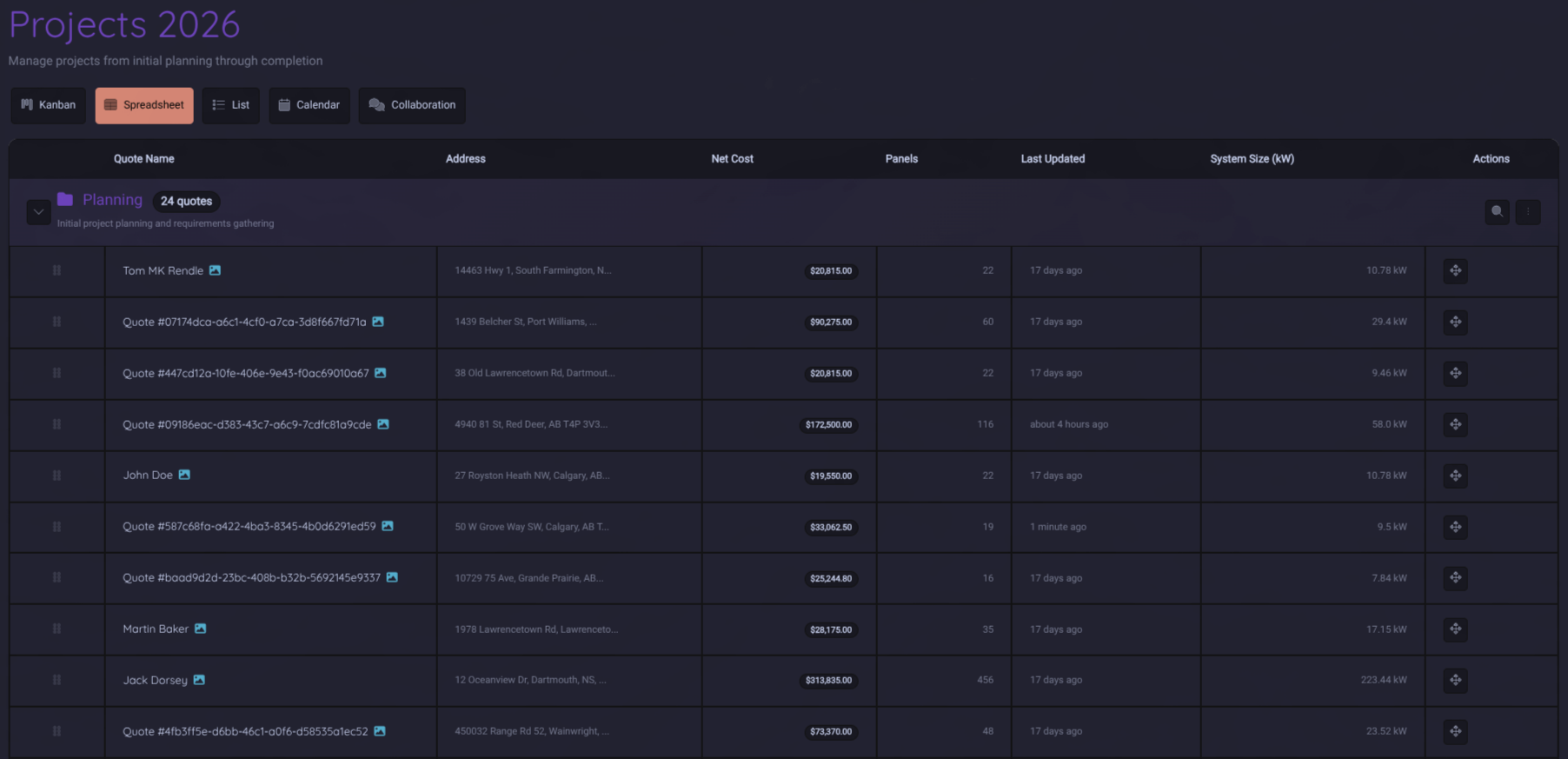
One builder behind every campaign.
Referral asks, battery offers, review requests, O&M check-ins, they all run on the same engine. Segment your install base by what you actually know about them, drop them into a branded email, and schedule the send. Then watch the opens, the clicks, and the quotes that come back.
- Segment on real data: system health, inverter brand, project status, tags, or how long since you last talked
- Branded emails with merge fields, your logo, your voice, your reply-to
- Send now or schedule for the right milestone, preview the list and test it on yourself first
- One-click playbooks for battery opportunities, past-customer referrals, stale-lead reactivation, and system check-ins
- Deliverability built in: unsubscribe handling and frequency caps keep your install base happy
- Conversion tracking ties every send back to the signed quotes it produced
Four channels. No extra vendors.
Referrals, battery upsells, reviews, and O&M, all inside the CRM, all branded as you, all included.
Referrals
Per-customer links, automatic attribution.
Battery upsells
Flagged from real production data.
Review asks
At the milestones that matter.
* Industry estimate. Attach rate varies by utility, rate structure, and install base.